The digital photo frame and the print composition are separate settings. Prepare your artwork as a PNG with transparent areas for the photos, using the dimensions and orientation of the selected format.
- In Events, choose the event. Open Customize → Capture.

- For print artwork, find Print composition image and select Download sample image. Use the template to check the dimensions, orientation and number of transparent photo areas.
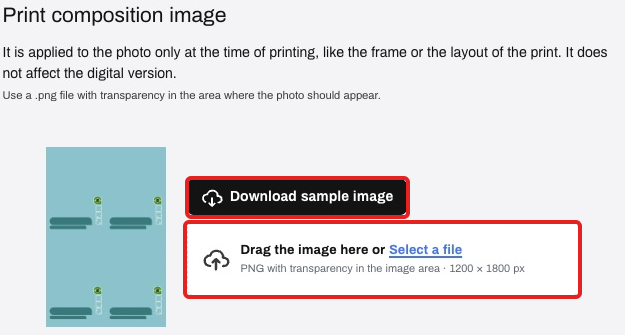
- Prepare your PNG artwork with transparent photo areas. Upload it to Print composition image; a white background does not replace transparency.
- If you also want artwork on the digital photo, configure Digital delivery frame separately. Match the capture orientation and enable the online frame only if you want that result.
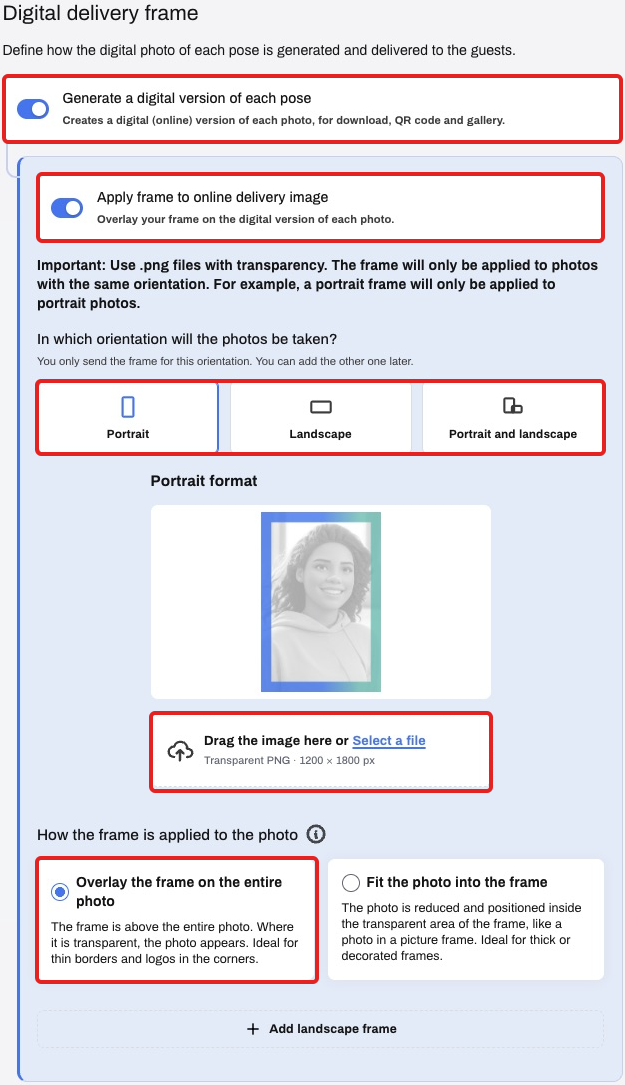
- Select Update customization and take a new test photo to check the digital version and print composition. Changing settings does not automatically recreate older photos.
