Pay by credit card through your PhotoFun account. Check the current price and renewal terms during checkout.
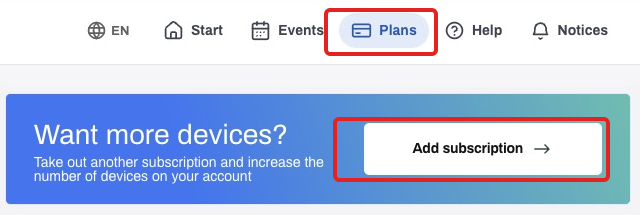
- Sign in on the website, open Plans and click Add subscription.
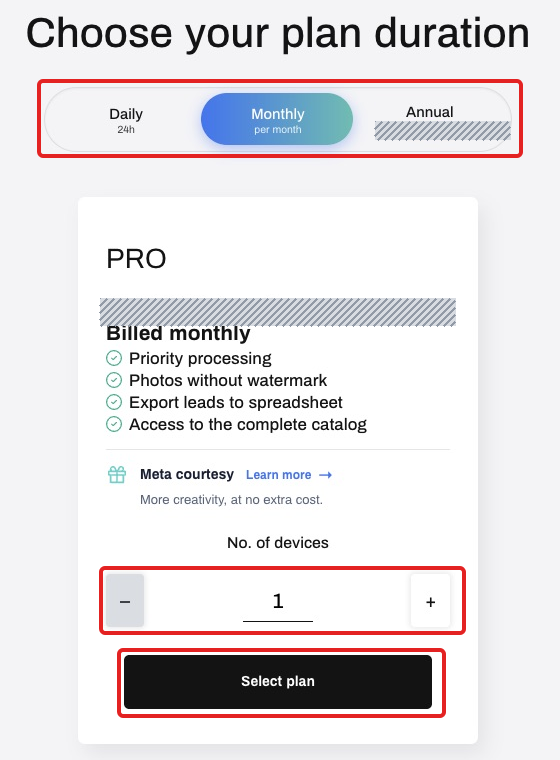
- Choose the plan duration and the number of simultaneous capture devices. Check the current amount and click Select plan.
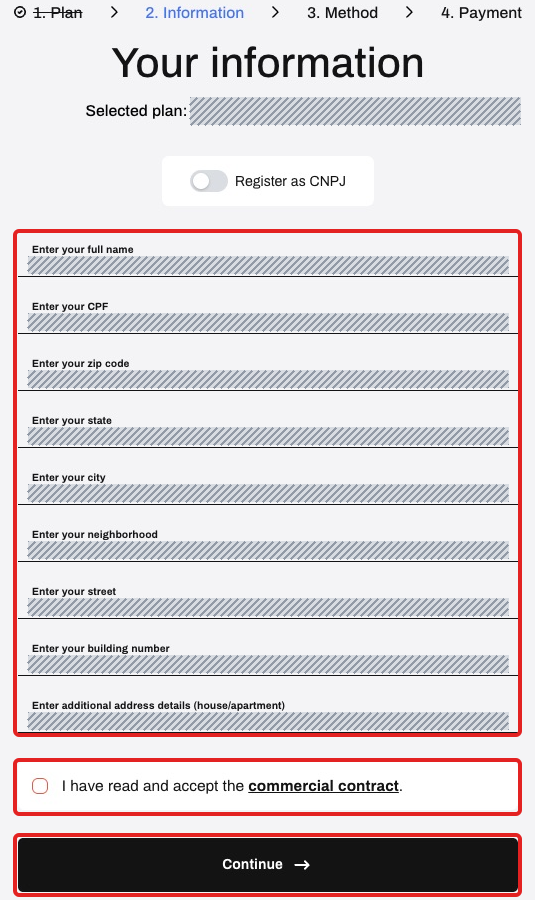
- Complete or check the requested billing details. Read the commercial contract and, if you agree, accept it and click Continue.
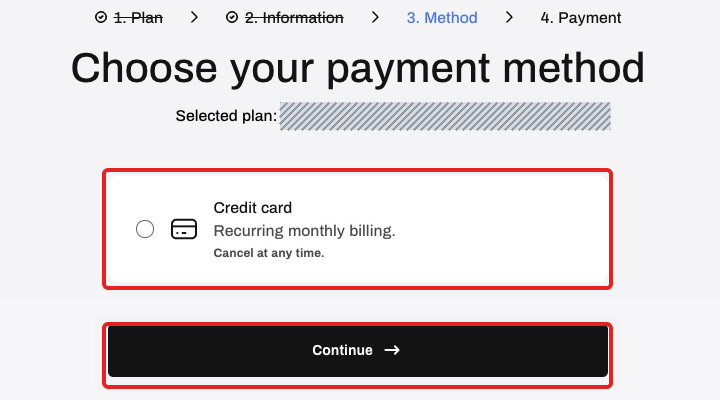
- Choose Credit card and click Continue. Monthly and annual card subscriptions renew automatically; a daily pass does not renew automatically.
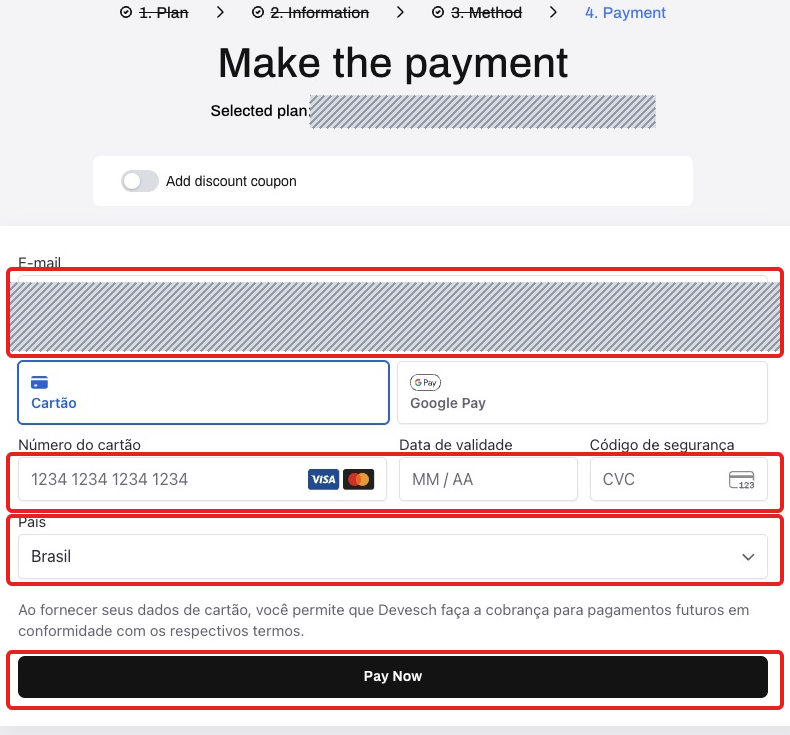
- Check your email and enter the card number, expiry and security code only in the secure website form. Review the country, amount and renewal terms, then click Pay Now. Secure-field labels may follow your billing-profile language.
- Wait for confirmation on the website. Access and the purchased period begin once payment is confirmed. If you already paid, check the order before paying again.