Install PhotoFun for capture on Windows; it is separate from PrintFun.
- Sign in and click Start (the house icon) in the site menu. On mobile, it is in the bottom bar. On that page, find Capture and printing apps.
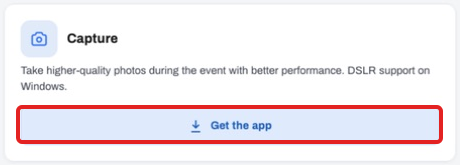
- On the Capture card, click Get the app.
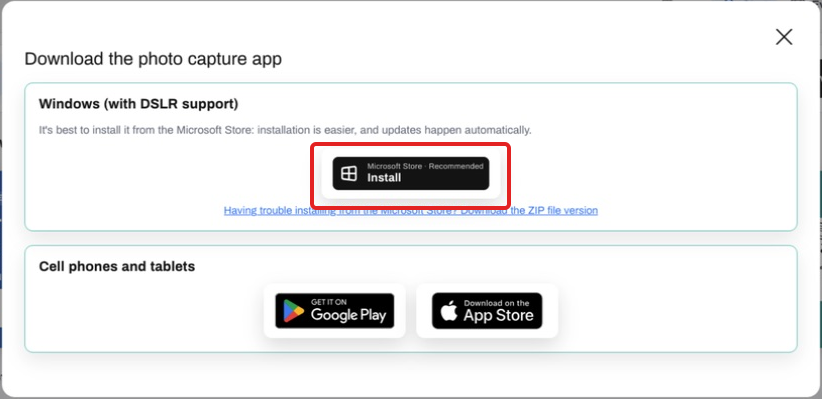
- Prefer installation through Microsoft Store and complete it. If the Store does not work, use the ZIP alternative, extract the folder and open the app.
- Open PhotoFun, access your event and take a test photo.
- Make sure you open the current installation, not an old shortcut. PhotoFun Capture and PrintFun are updated separately; test before the event.