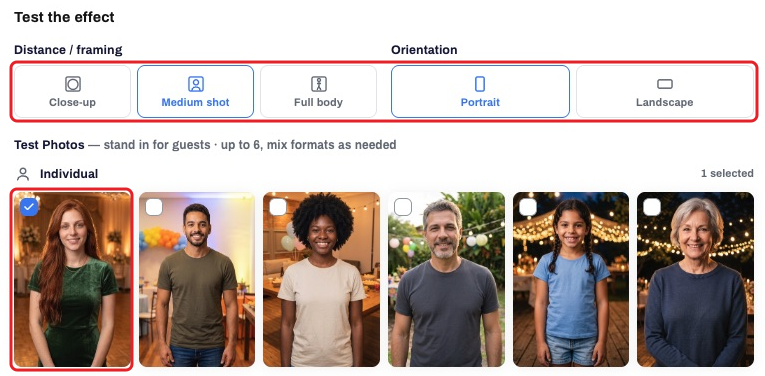
PhotoFun offers an extensive effect catalog organized by category. Available effects can vary by AI model: an effect offered in one model may not be available in another.
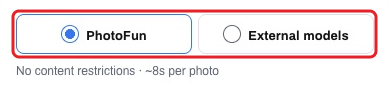
The current options are PhotoFun and External models. Separately, the instruction (prompt) may use a reference image or text alone, depending on the selected option’s features. These are two different criteria.
- To create an effect, open My effects: My effects → Create effect. Choose PhotoFun or External models. For External models, check the provider and access terms; when you use your own API key, generation is paid directly to the provider.
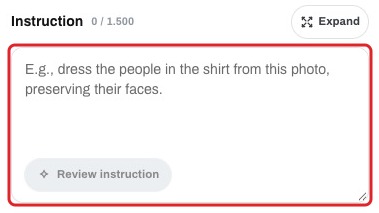
- For a prompt without a reference image, leave the Reference image field empty and use the Instruction field to describe the desired result and what should be preserved in the participant’s photo.
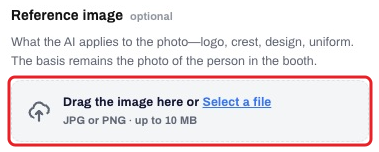
- For a prompt with a reference image, upload it in the corresponding field and explain what to use from it and what to preserve from the participant. Check the selected model’s features and limits; providers do not all accept the same references.
- Generate samples using the guest counts, framing and lighting you plan to use at the event. For the full procedure, see How do I create and test an effect?.